



Simply download our DT Pro Theme Pack (ZIP):
Unzip the file. Inside, you will find a folder (SVG) and all themes (CSS files). Simply copy everything into the DT themes folder:
Fish
# Linux / MacOS
~/.config/darktable/themes/
# Linux  Flatpak
~/.var/app/org.darktable.Darktable/config/darktable/
# Windows
%LOCALAPPDATA%\darktable\themes\Activate your DT Pro Theme:
Go to the settings (gear icon).

- Select the “general” tab.
- Select the “DT Pro” theme.
Overview of DT Pro Themes:
DT-Pro-blue
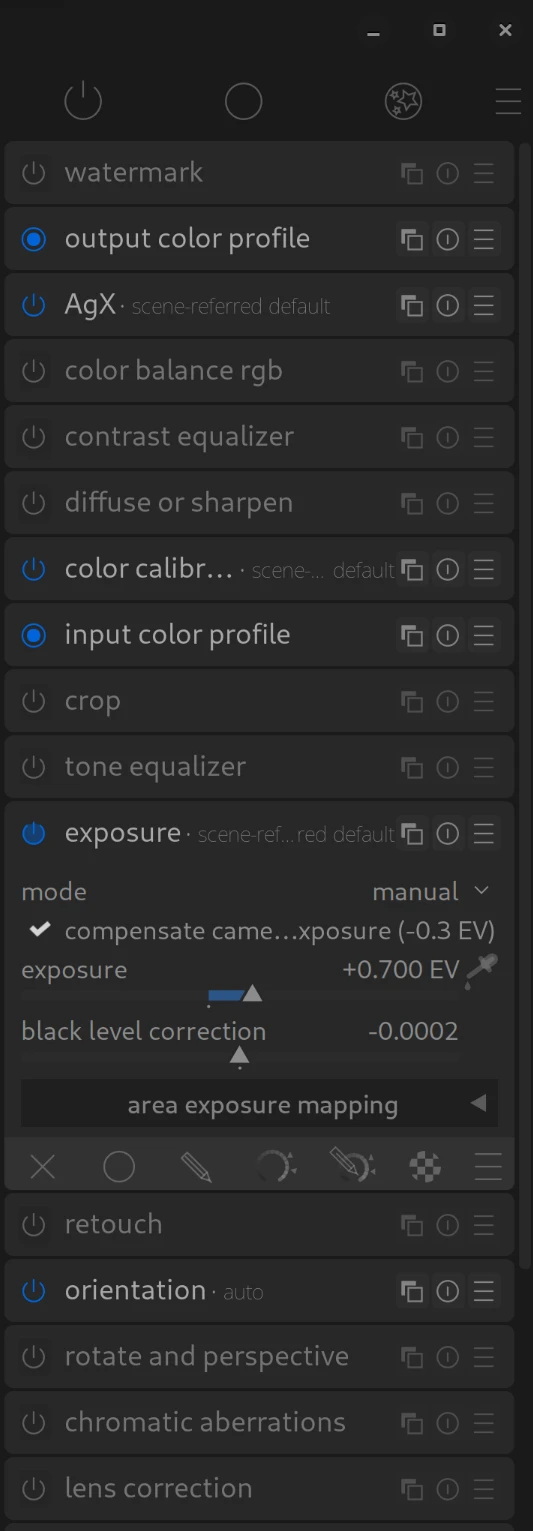
DT-Pro-green
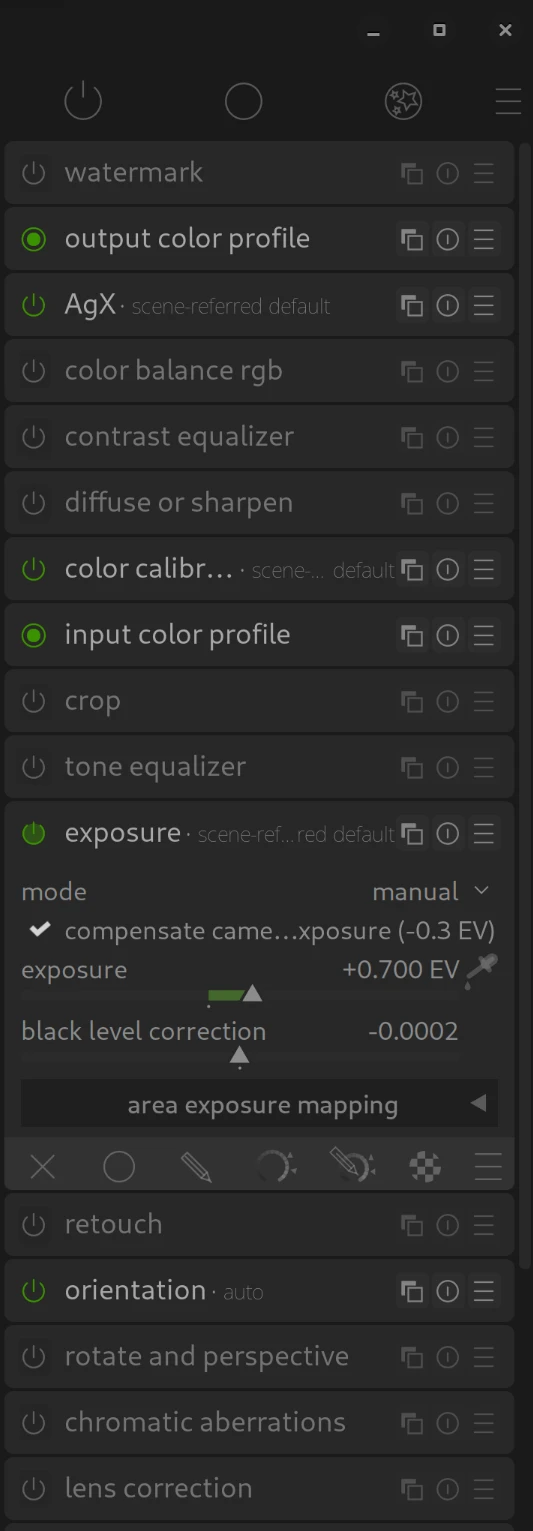
DT-Pro-orange
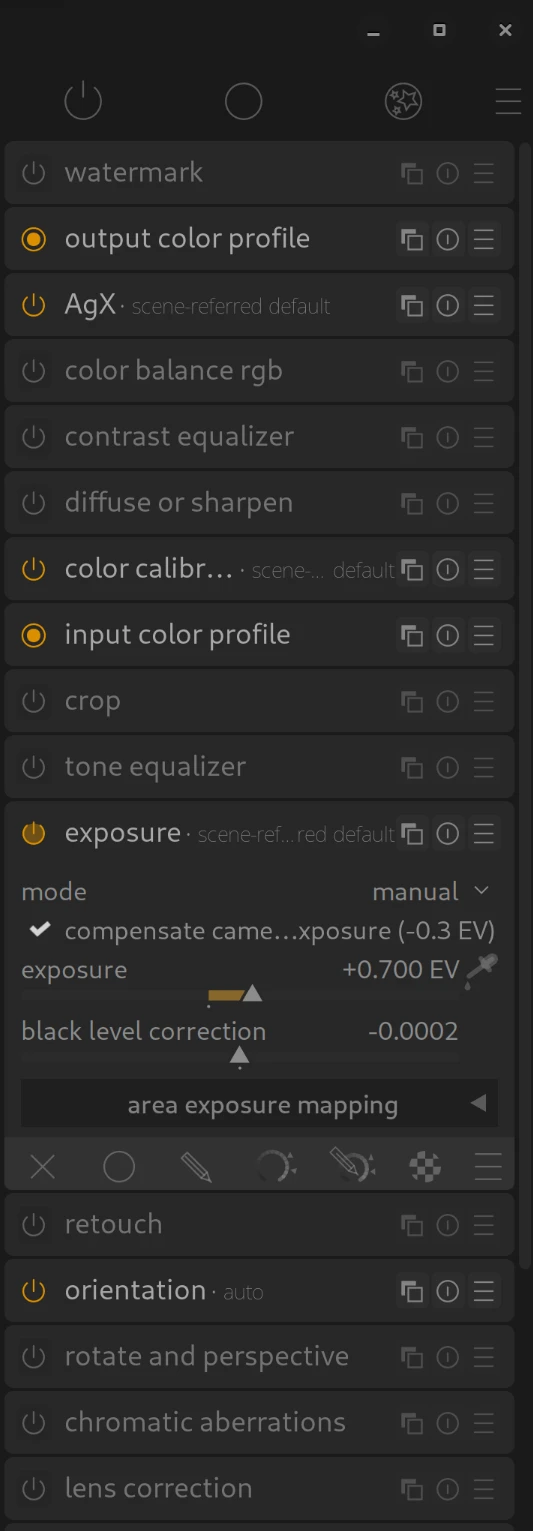
The following “SC” themes are intended for easily learning our DT Pro Shortcuts.
DT-Pro-grey-SC
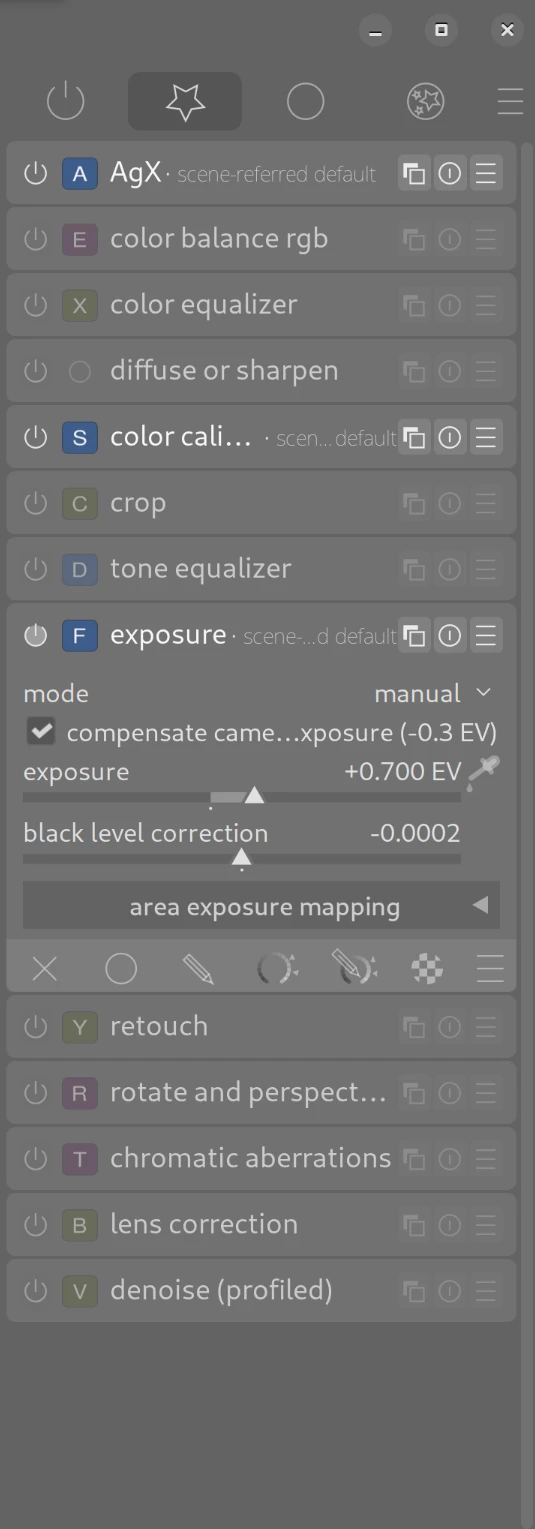
DT-Pro-dark-SC
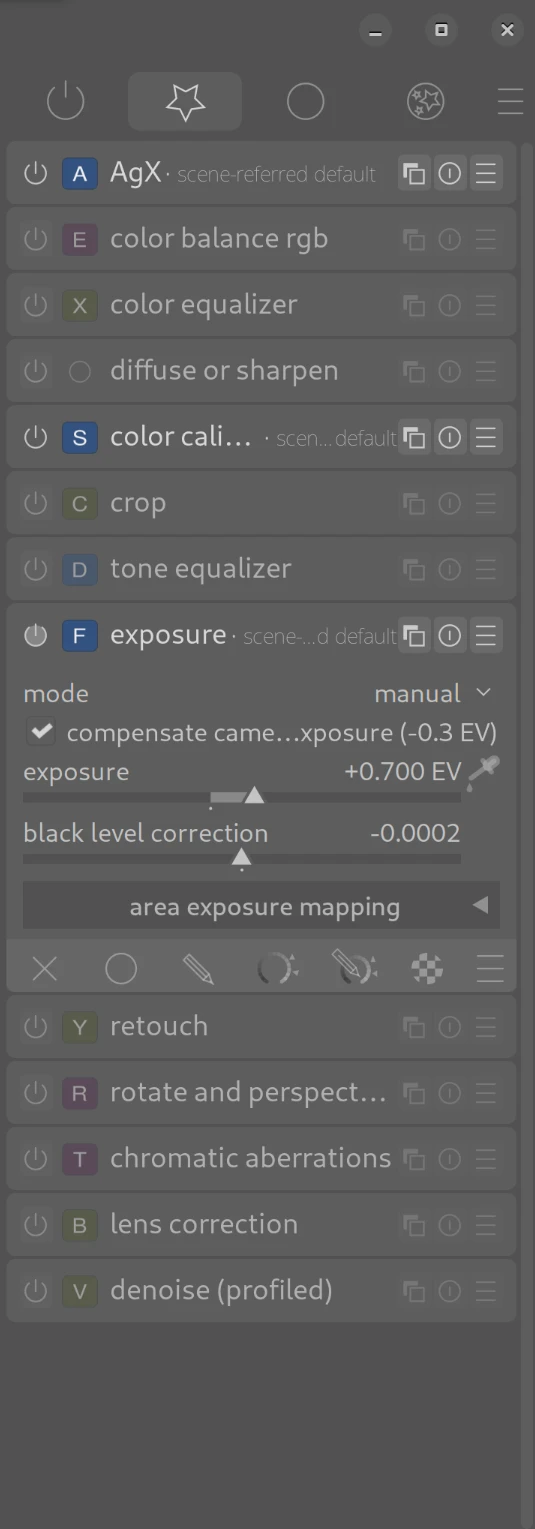
DT-Pro-darker-SC
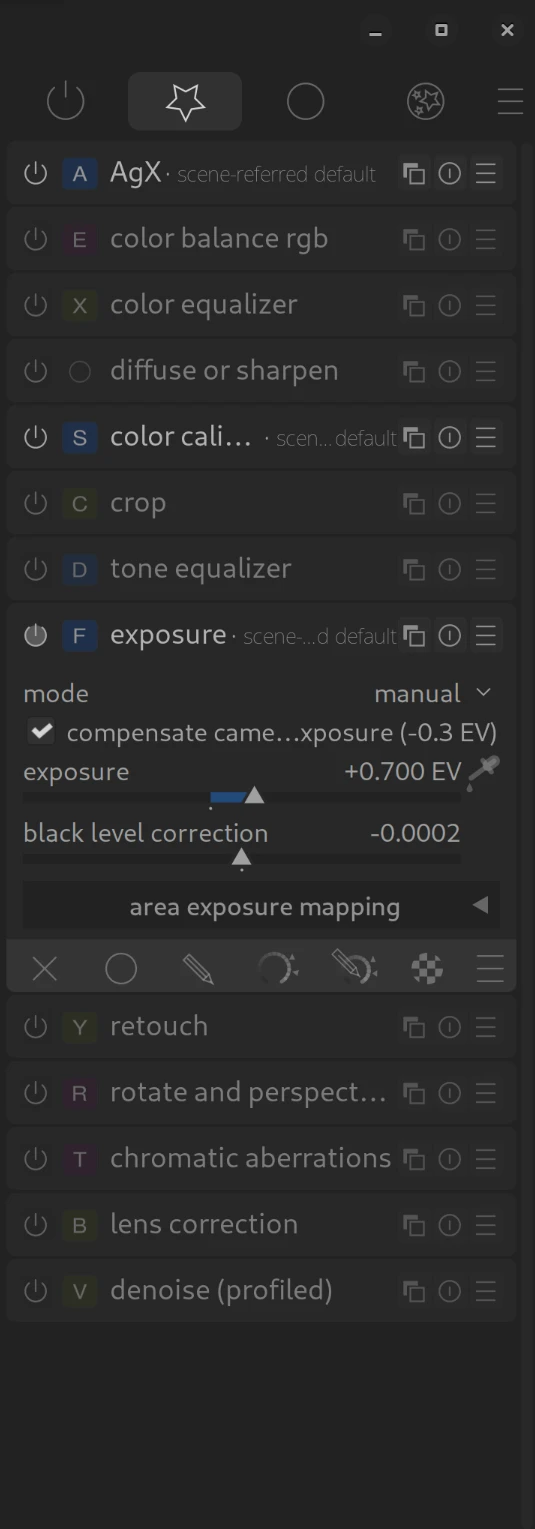
If you do not wish to use our DT Pro “SC” themes (anymore):
DT-Pro-grey
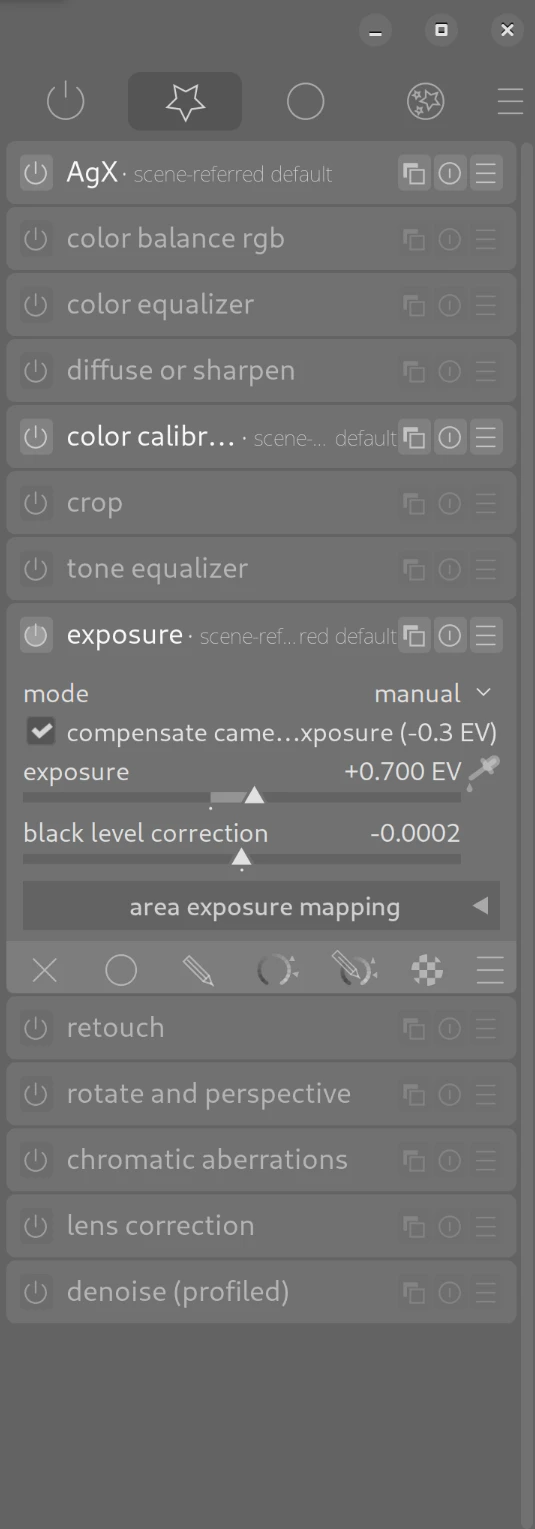
DT-Pro-dark
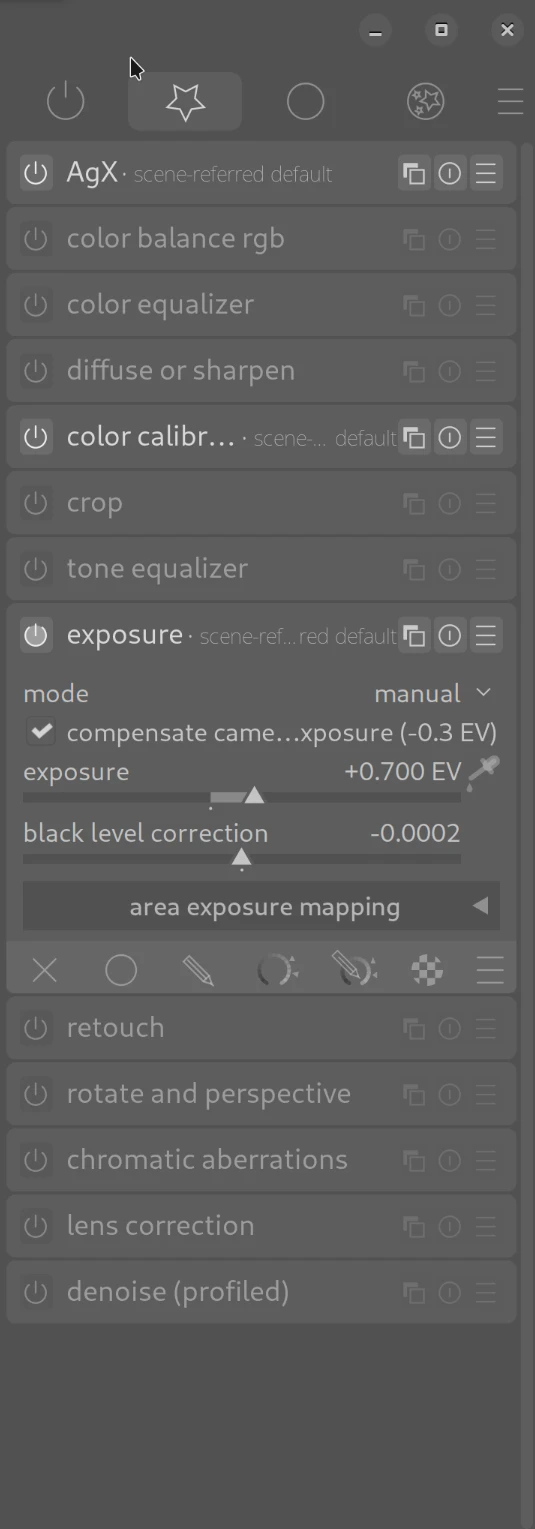
DT-Pro-darker
March 9, 2026
for people on Flatpak config folder is actually ~/.var/app/org.darktable.Darktable/config/darktable/
Thank you very much for pointing that out. I have added the information!
Best regards, Chris