Um Ihnen ein optimales Erlebnis zu bieten, verwenden wir Technologien wie Cookies, um Geräteinformationen zu speichern bzw. darauf zuzugreifen. Wenn Sie diesen Technologien zustimmen, können wir Daten wie das Surfverhalten oder eindeutige IDs auf dieser Website verarbeiten. Wenn Sie Ihre Einwilligung nicht erteilen oder zurückziehen, können bestimmte Merkmale und Funktionen beeinträchtigt werden.
Der Zugriff oder die technische Speicherung ist unbedingt für den rechtmäßigen Zweck erforderlich, um die Nutzung eines bestimmten Dienstes zu ermöglichen, der vom Abonnenten oder Nutzer ausdrücklich angefordert wurde, oder für den alleinigen Zweck der Übertragung einer Nachricht über ein elektronisches Kommunikationsnetz.
Die technische Speicherung oder der Zugriff ist für den rechtmäßigen Zweck der Speicherung von Voreinstellungen erforderlich, die nicht vom Abonnenten oder Nutzer beantragt wurden.
Die technische Speicherung oder der Zugriff, der ausschließlich zu statistischen Zwecken erfolgt.
Die technische Speicherung oder der Zugriff, der ausschließlich zu anonymen statistischen Zwecken verwendet wird. Ohne eine Aufforderung, die freiwillige Zustimmung Ihres Internetdienstanbieters oder zusätzliche Aufzeichnungen von Dritten können die zu diesem Zweck gespeicherten oder abgerufenen Informationen allein in der Regel nicht zu Ihrer Identifizierung verwendet werden.
Die technische Speicherung oder der Zugriff ist erforderlich, um Nutzerprofile zu erstellen, um Werbung zu versenden oder um den Nutzer auf einer Website oder über mehrere Websites hinweg zu ähnlichen Marketingzwecken zu verfolgen.




Hi Christoph,
I don’t know German, my English is basic, so I’m using Google Translate, hoping it does its job properly 😉
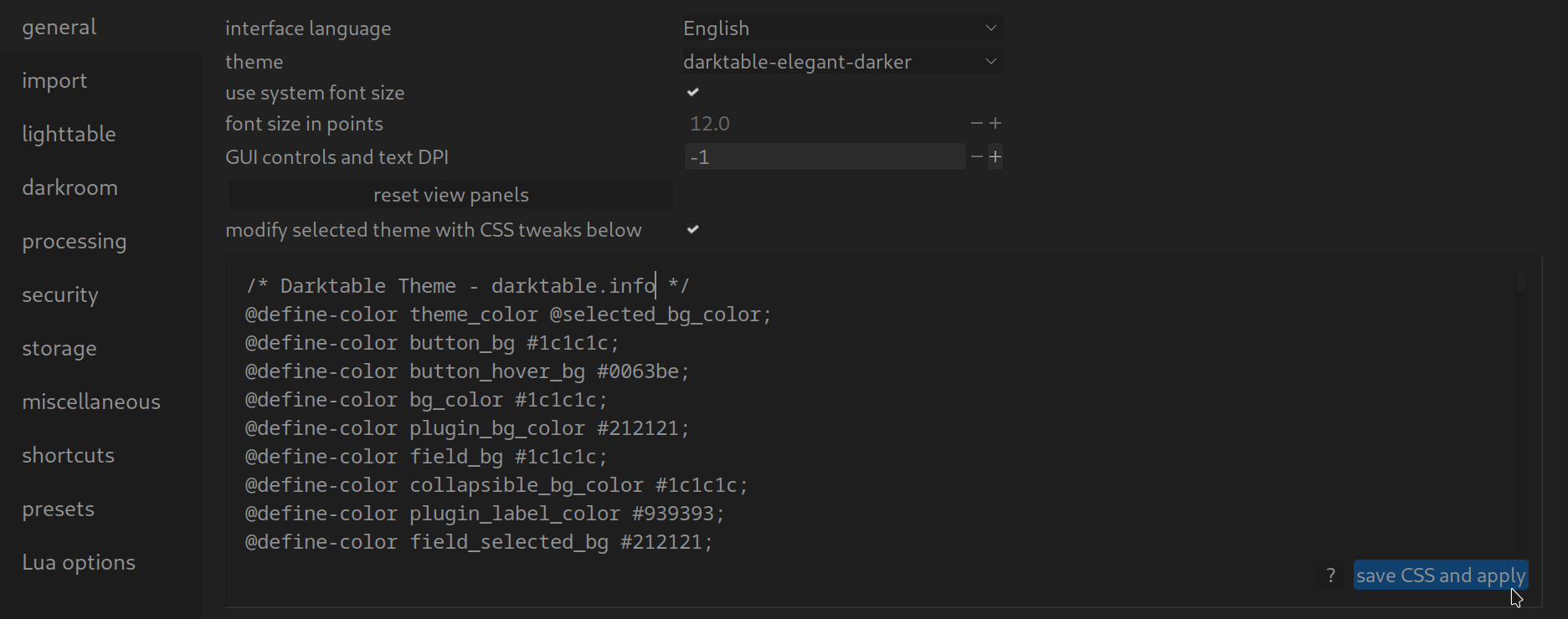
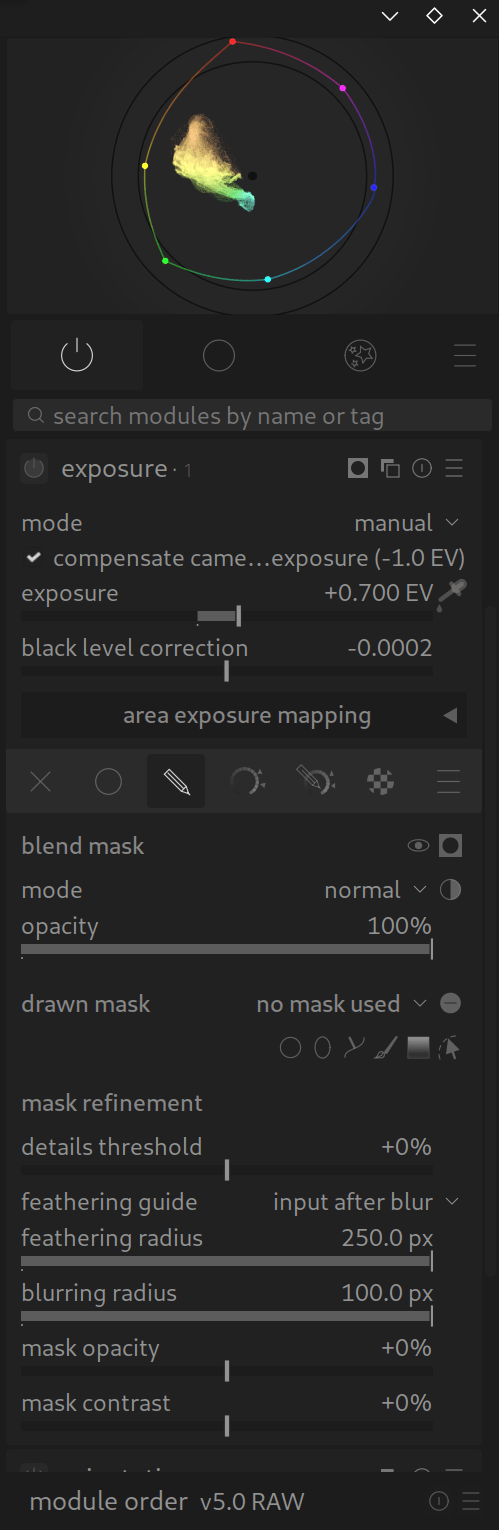
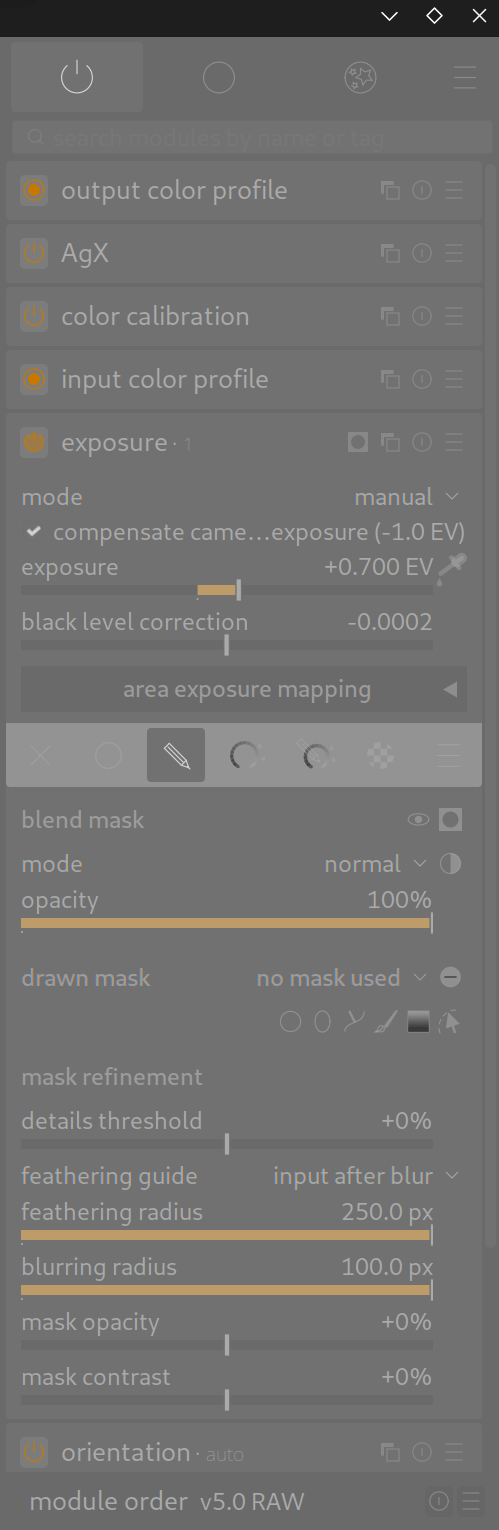
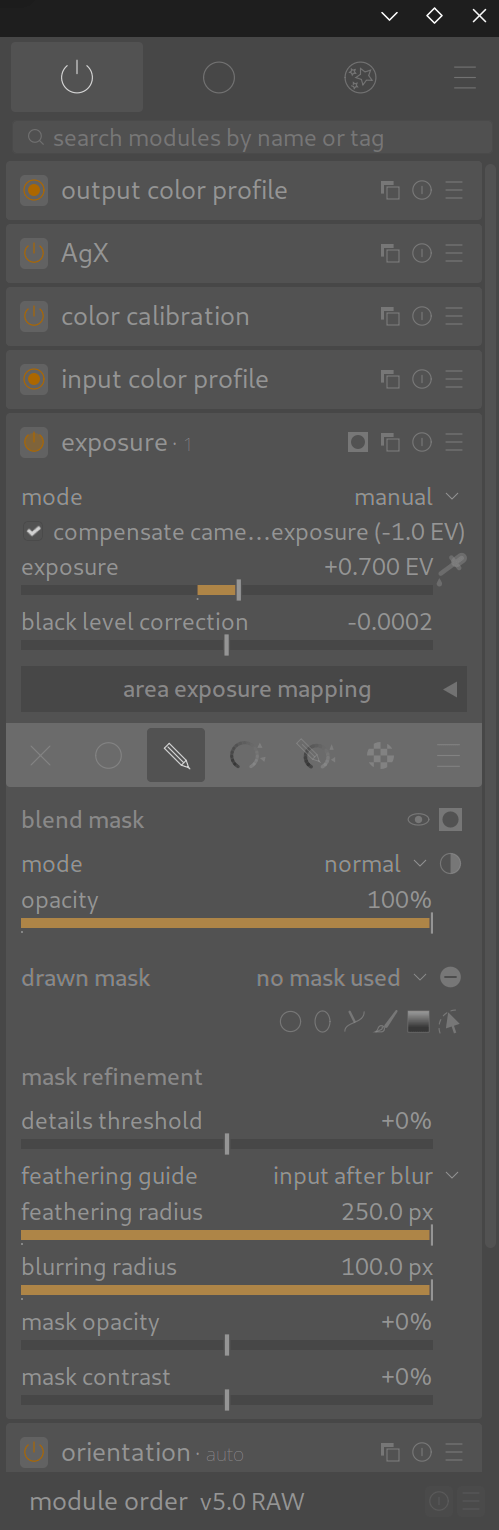
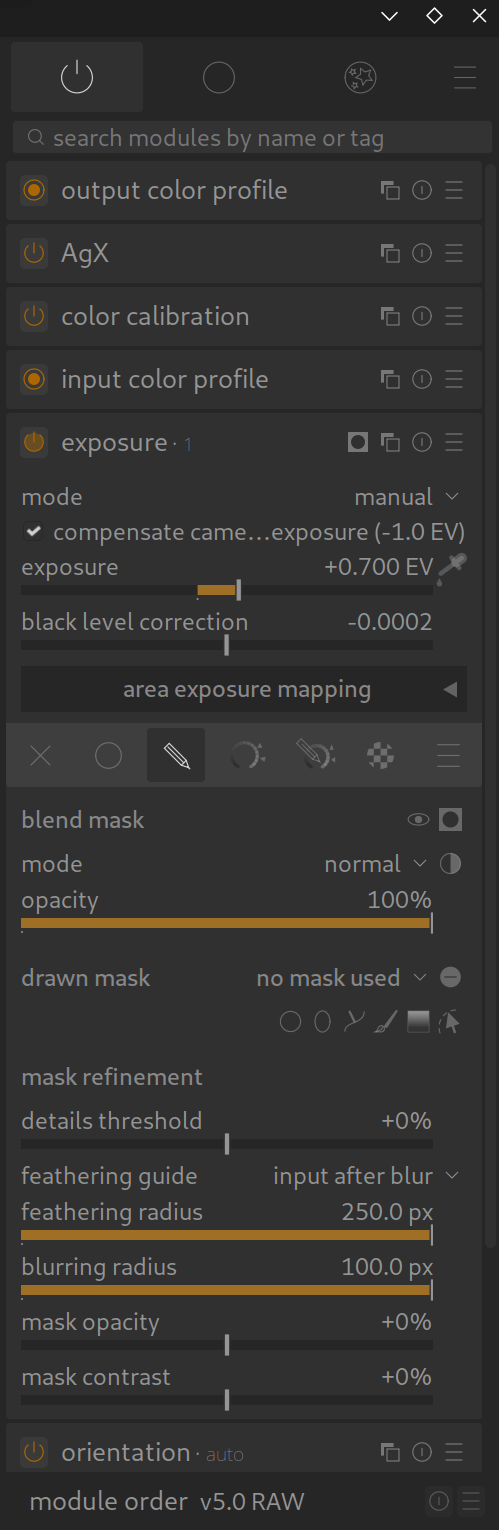
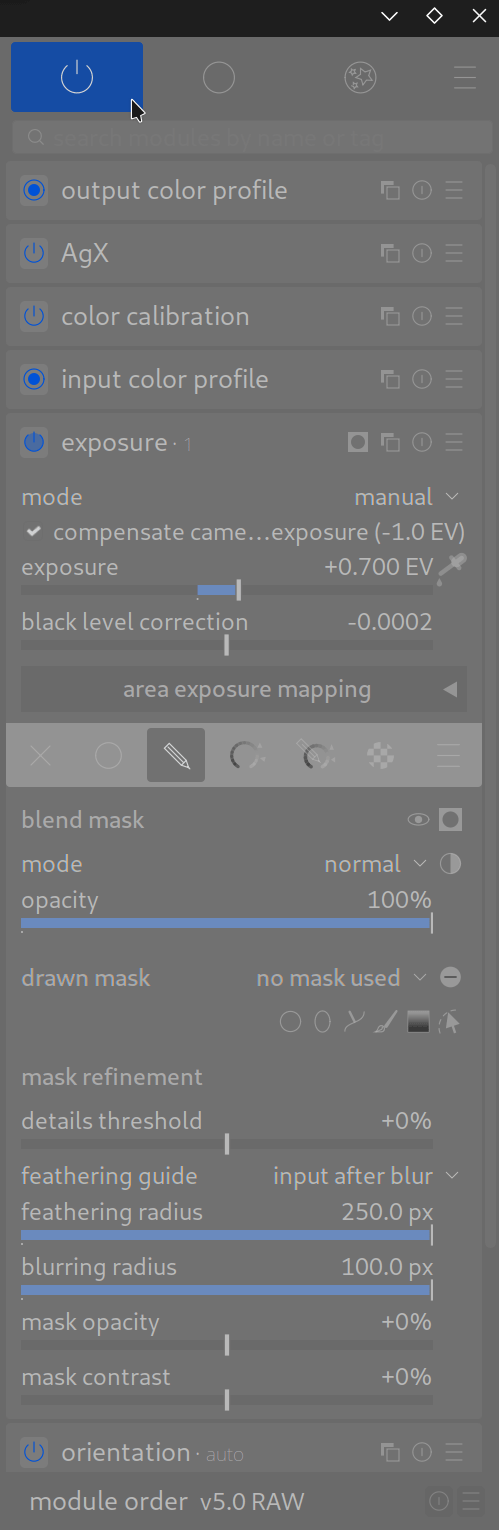
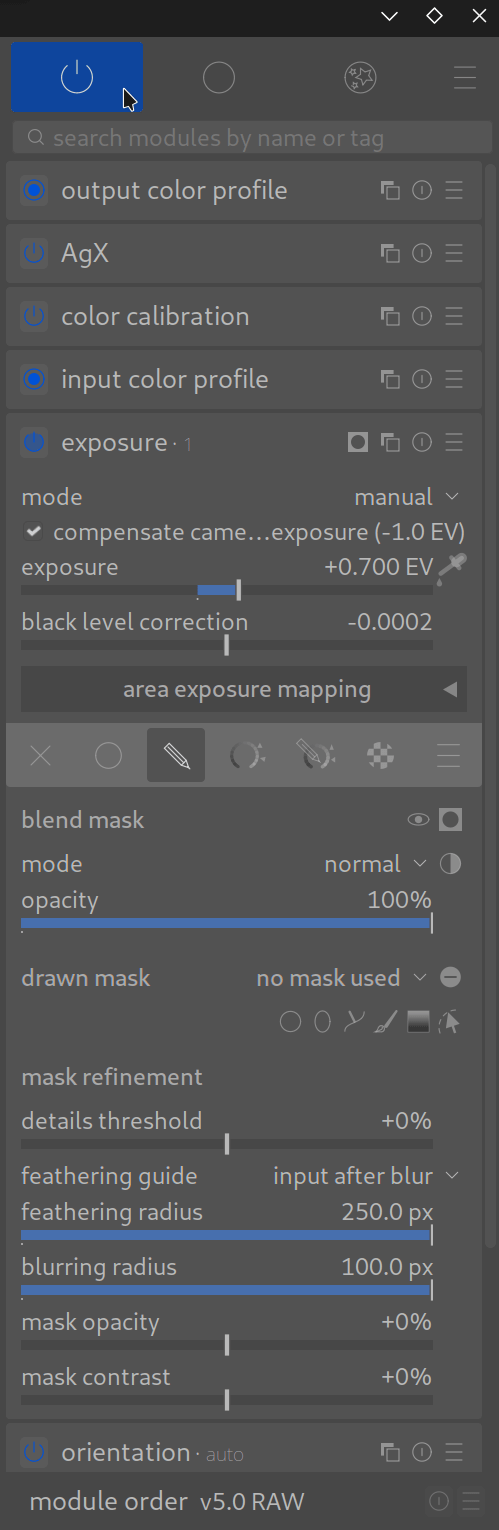
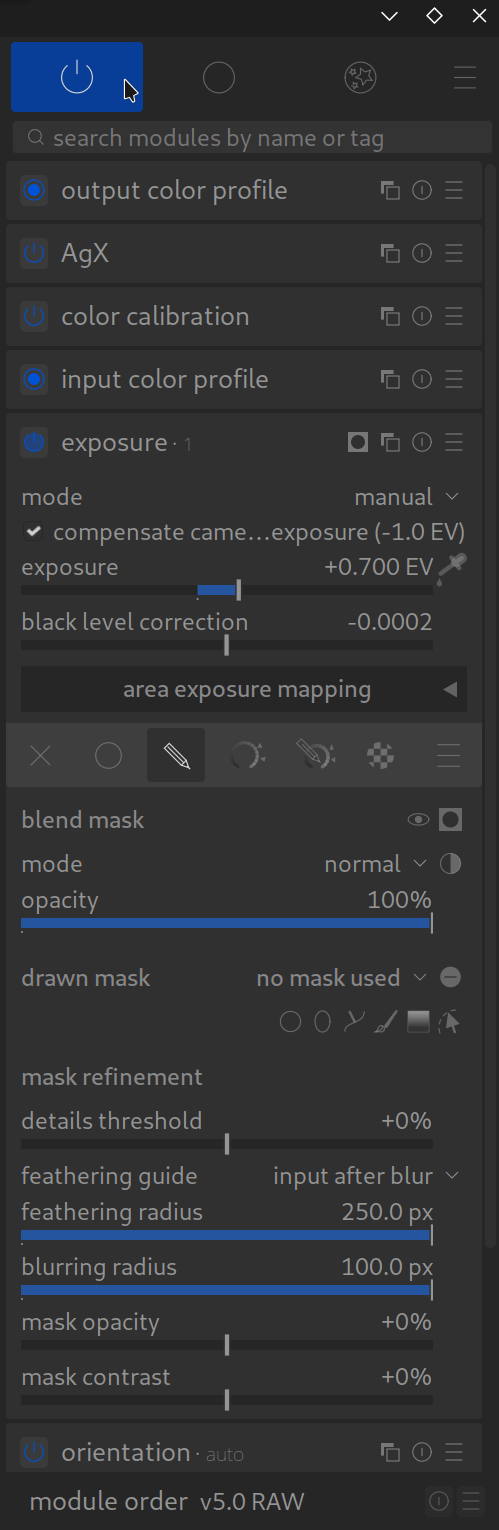
The darker theme doesn’t suit me, and the text is too hard to read.
Thank you for your reply and your offer of help, which I really appreciate.
I’ve partially solved my problem by adding a CSS theme I copied from the internet (a photographer’s website) and improved to your theme (which you are free to use).
Here are the lines I added to your lines in the CSS field:
@define-color fg_color @grey_90;
@define-color plugin_fg_color @fg_color;
@define-color section_label @grey_90;
@define-color plugin_label_color @grey_90;
@define-color bauhaus_fg @fg_color;
With these additional lines, the text is much more visible in the „darkroom.“
However, in the „light table“ view, the text under the thumbnails is almost invisible. On the selected photo (with a lightened border), the text is completely invisible because it’s the same gray as the border.
My question: Could you suggest a „Dark Elegant – Pro – Blue“ theme (the one in medium gray, between light gray and almost black) with the text in the „darkroom“ in a lighter gray, like my CSS lines (grey 90), AND with the text in the „light table“ in almost white gray (grey 90) or very dark gray, almost black?
The idea is to make the text in the light table much more visible.
Thank you in advance for your help.
I would like to support you, but I haven’t found a way to donate. Do you have a link on your pages?
Have a good day,
Eric
PS: To make it easier to understand what I’m saying, I can send you screenshots, but how do I do that?
I have sent you an email. Best regards, Chris
Hello everyone,
First of all, thank you for this valuable and very useful work.
I’ve improved my understanding of Darktable and refined some of my settings and developments.
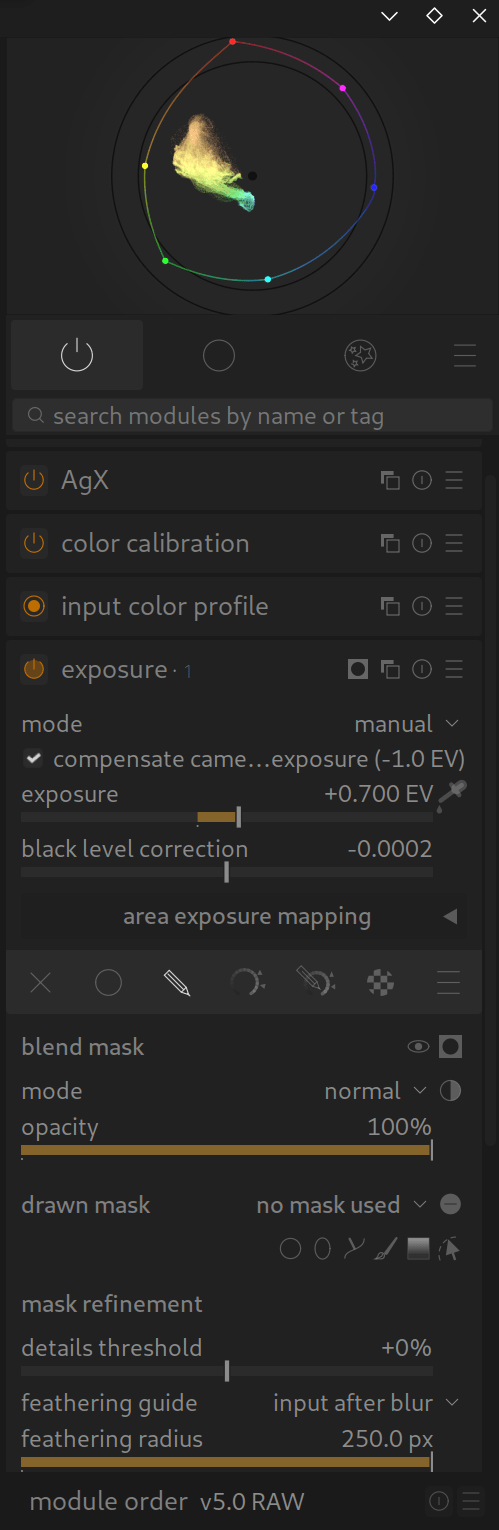
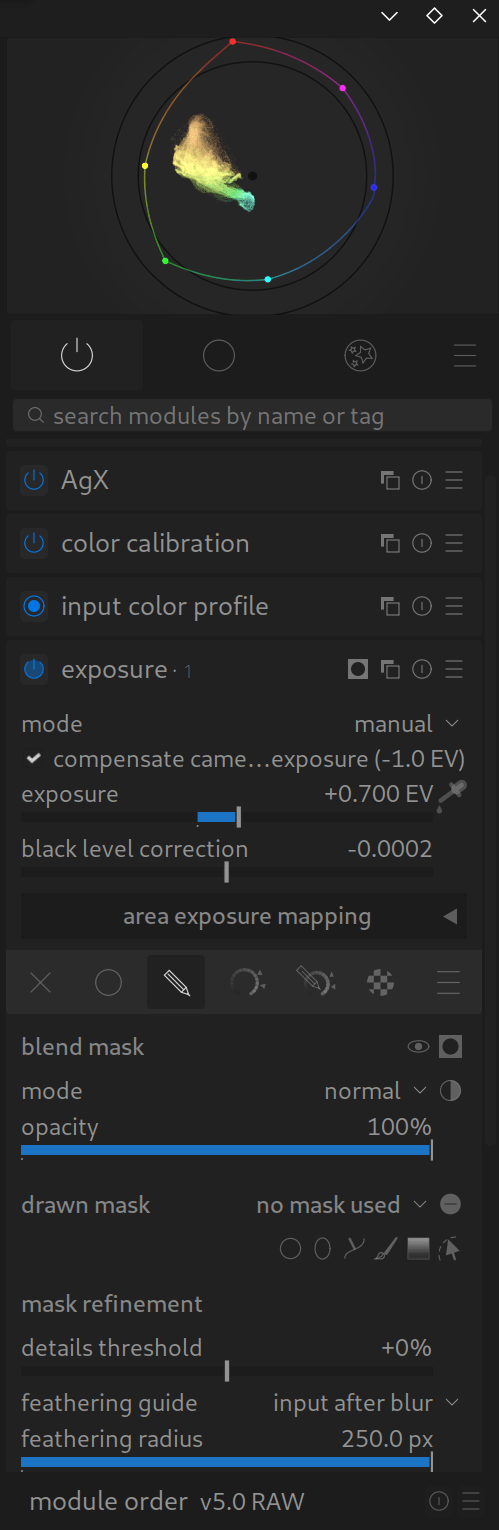
I’ve also installed the Dark Elegant theme with blue accents.
It’s perfect; I can see the activated modules and sliders much better.
Unfortunately, the information in the light room (filenames, stars, etc.) is almost invisible.
Modifying the CSS is beyond my capabilities. Could you publish a CSS file with a more visible font color for the „light room“ window?
For example, a lighter gray, almost white, would make the text more visible.
Thank you in advance, and congratulations again on all this work.
Eric
Hello Eric, thank you very much for your feedback!
Please go to Settings -> General: There you will find a drop-down menu with the default themes. Select a „darker“ one there.
If it still doesn’t suit you, just let us know. We will be happy to customise the theme for you.
Best regards, Chris + darktable.info team