January 26, 2026
Filter & Sorting
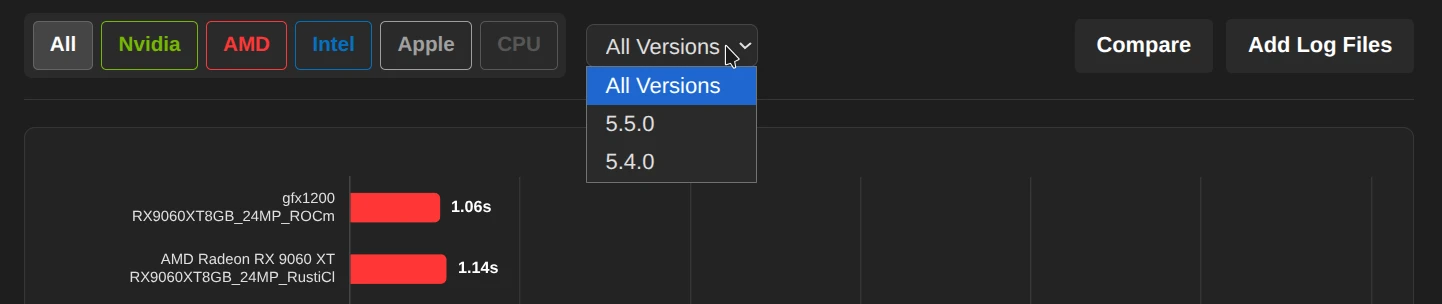
- Manufacturer filter: Click on
Nvidia,AMD,Intel,AppleorCPUto narrow down the list to specific hardware types. - Version: Use the dropdown menu to isolate results from a specific Darktable version (e.g., 5.5.0).
- Sorting: By default, the list is sorted by total time (fastest results at the top).
Compare mode
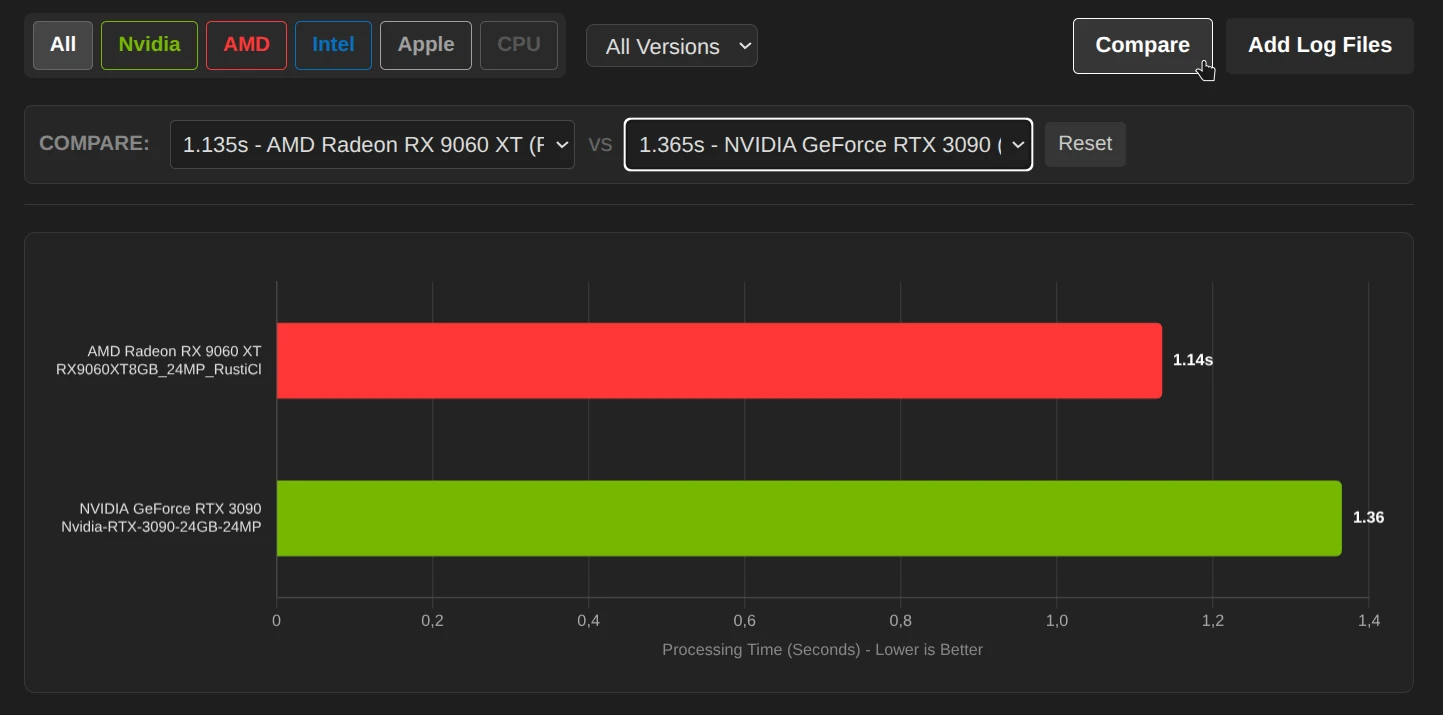
Would you like to compare two graphics cards or drivers directly?
- Click on the button in the top right
Comparecorner. - A bar will open where you can select Run A and Run B from the list.
- The diagram and table now only show these two entries to make differences immediately visible.
You can also compare your own hardware with “Add Log Files.”
Detailed view
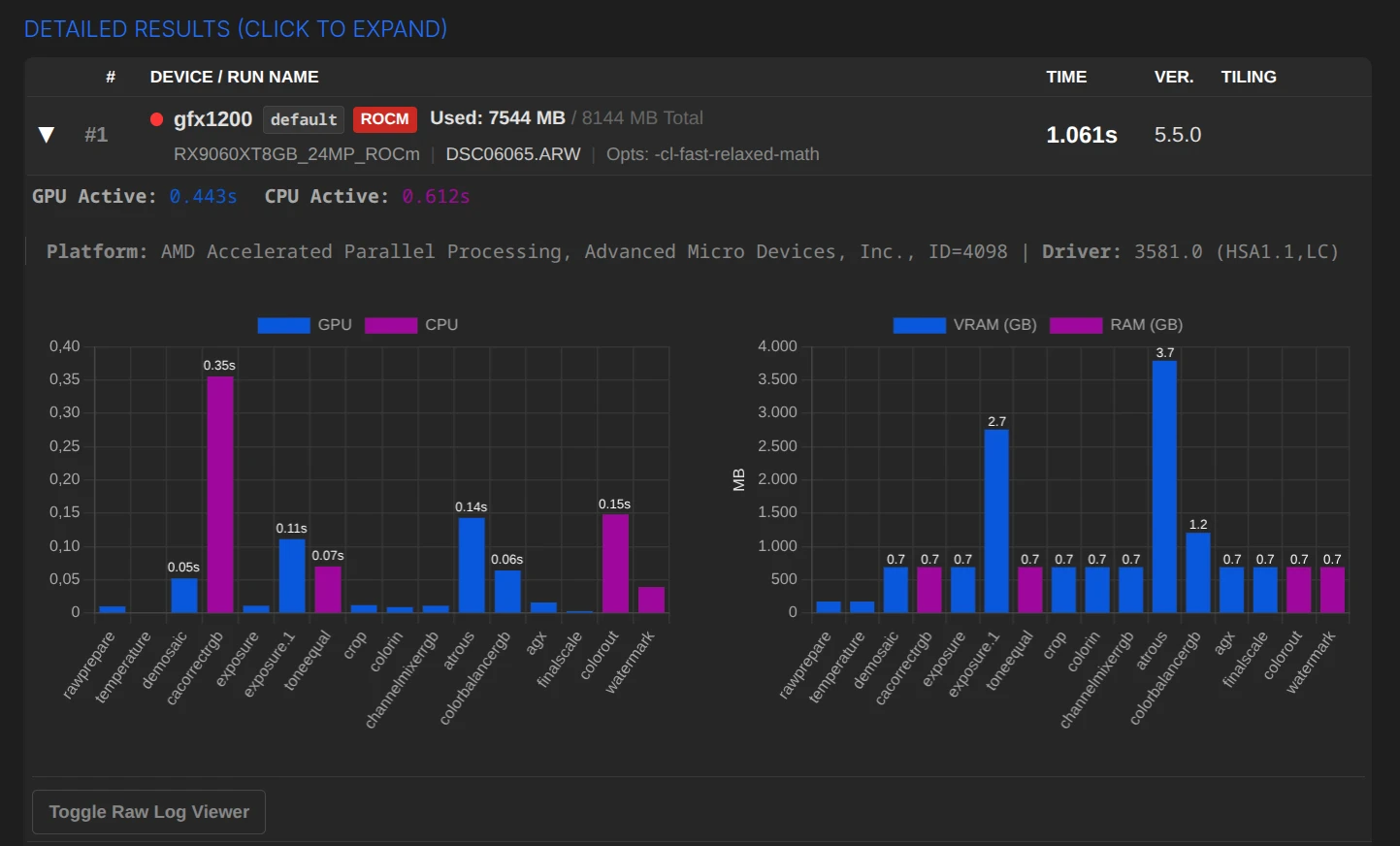
Click on any row in the table to expand the details:
- Timeline (links): Shows exactly which module (e.g., denoise, exposure) took how long and whether it was calculated on the GPU (blue) or CPU (purple).
- Memory (right): Shows VRAM (graphics memory) and RAM usage per module.
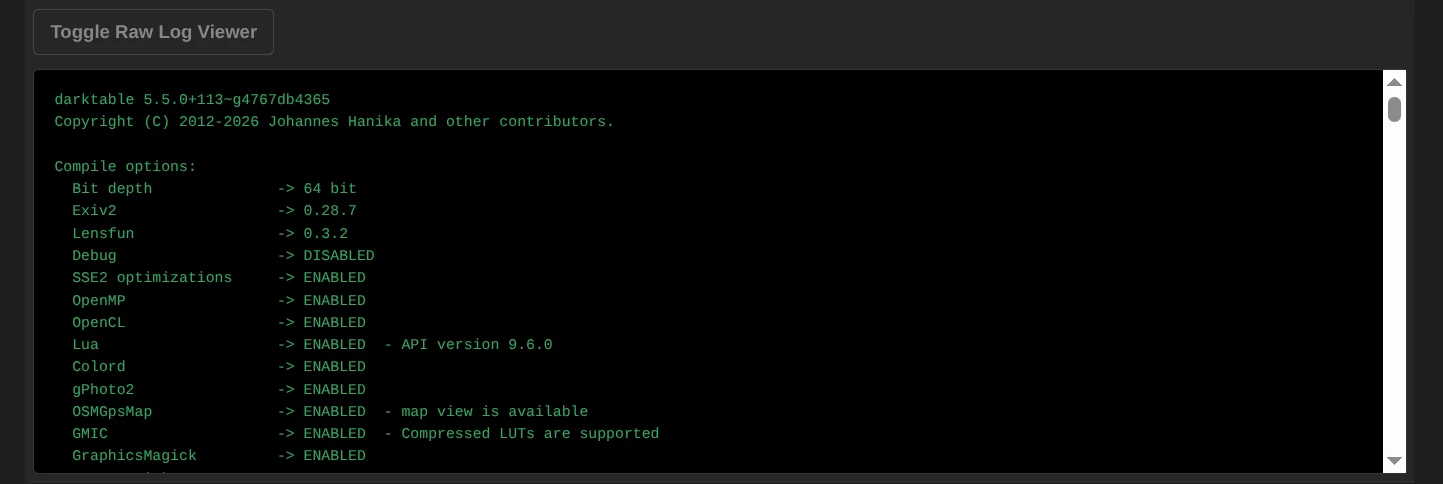
- Raw Log: For developers and experts, there is a button to view the original log file.