
December 20, 2025
-
Color Calibration
December 20, 2025 Color Calibration is the modern tool for perfect white balance and correct colors. In the modern workflow, this module replaces the creative work of the old “White Balance” module. Why the switch? This module uses a technique called CAT (Chromatic Adaptation Transform). Simply put: It calculates colors the way the human eye…
-
White Balance
December 20, 2025 The basis for correct colors What is it about? White balance ensures that white areas in the image actually look white and have no color cast. It balances the color temperature of the light source (e.g., warm candlelight or cool shadow light). Attention: The modern workflow!If you use Darktable in the modern…
-
Exposure
December 20, 2025 The Exposure module is the first and most important step in your editing. Here you lay the foundation for everything else. In the modern Darktable workflow (scene-referred), this module has a very specific task: It defines the brightness of your midtones (your main subject). It is not there to rescue blown-out highlights…
-
Rotate and Perspective
December 20, 2025 Rotate and Perspective – For straight horizons and perfect architecture What is it about? Nothing ruins a good landscape or architectural photo faster than a crooked horizon or converging lines (when buildings seem to “topple” backwards). The “Rotate and Perspective” module is your tool for the geometric correction of the image. The…
-
Crop
December 20, 2025 A good photo is often created by what is left out. The Crop module is one of the most powerful tools for image composition. It helps you remove distracting elements at the edge, bring the main subject into focus, or adjust the format for specific output media (e.g., Instagram or print). Why…
-
Raw chromatic aberrations
December 20, 2025 What is it about? Chromatic aberrations (CA) are color errors caused by the lens. They often appear as ugly purple or green color fringes on high-contrast edges (e.g., branches against a bright sky). This module intervenes extremely early in image processing – even before the RAW image is converted into a visible…
-
Tone Equalizer
December 20, 2025 The Tone Equalizer is your tool for local brightness adjustments. It is the modern, much better replacement for the old “Shadows and Highlights” module. Its task: Brighten dark areas and darken bright areas without making the image look flat or creating halos (glowing edges). It works similarly to the classic “Dodge &…
-
Diffuse or Sharpen
December 20, 2025 This module is the “Swiss Army Knife” for details. It simulates physical processes (how particles move) to change image structures. It is the modern replacement for the old Sharpen module and offers significantly higher quality, as it does not create ugly halos (glowing edges). What can the module do? It has three…
-
Color Balance RGB
December 20, 2025 Color Balance RGB is your central tool for saturation, color grading, and contrast. In the modern workflow, this single module replaces almost all old color sliders. It works in the linear RGB color space, which means: It behaves physically correctly and creates cleaner transitions than old tools. The Most Important Tabs 1.…
-
AgX
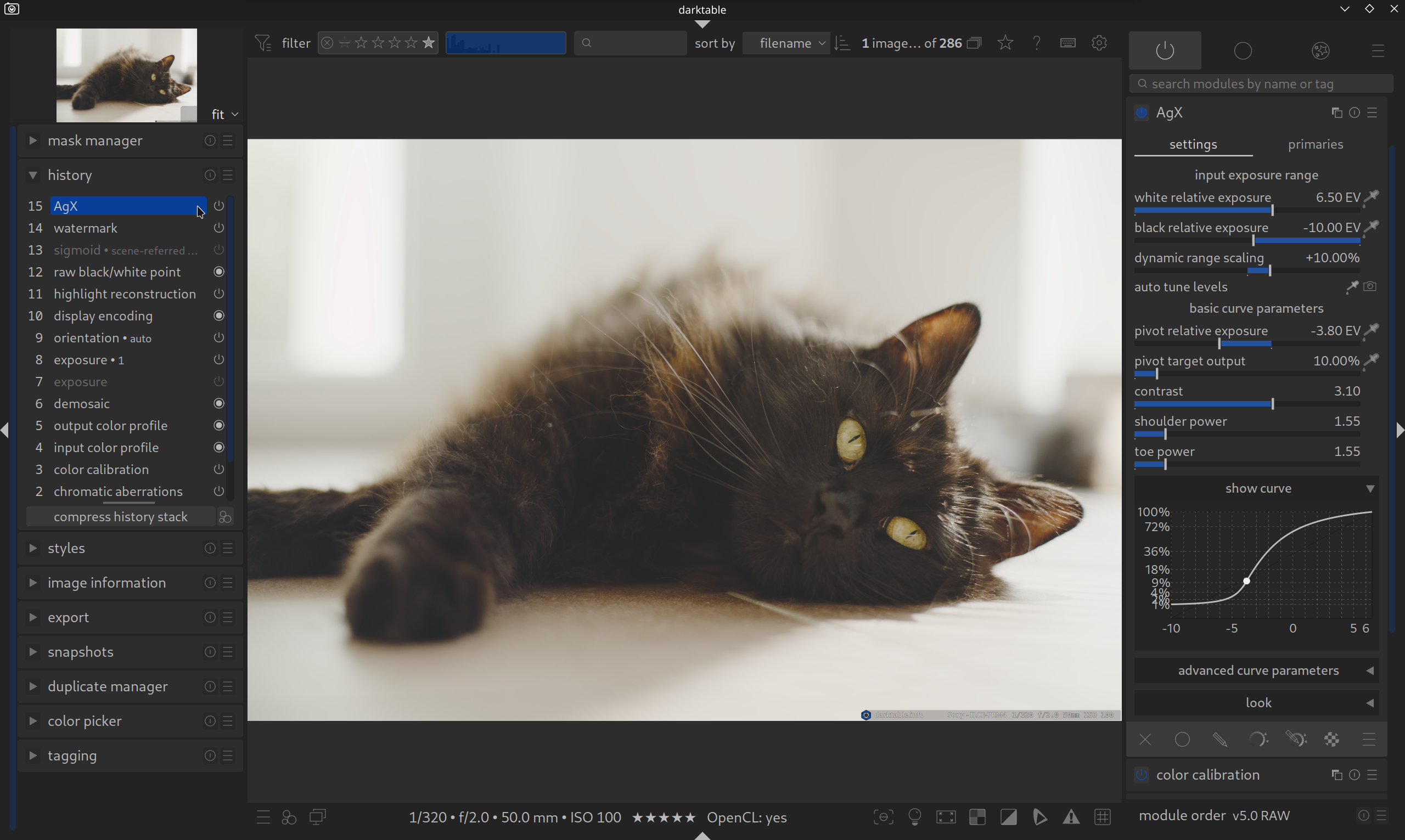
December 21, 2025 AgX – The new standard for colors & contrast (from Darktable 5.4) With Darktable 5.4, a new, powerful module enters the darkroom: AgX. It is based on the color transformation of the same name from the 3D software Blender and has the potential to replace Filmic RGB and Sigmoid as the standard.The…
-
Vignetting
December 20, 2025 Guiding the eye. What is it about? A vignette is a darkening (or rarely brightening) towards the corners of the image. What used to be a technical flaw of cheap lenses is now a popular stylistic device. Why? Because bright areas attract the human eye. If you darken the edges, the viewer’s…
-
Color Equalizer
December 20, 2025 Full control over every color. What is it about? The Color Equalizer is one of the most powerful tools for colors in Darktable and the modern successor to “Color Zones”. It allows you not to change colors globally, but to intervene with surgical precision. You only want to change the green of…
-
Grain
December 20, 2025 The analog film look What is it about? The “Grain” module simulates the chemical structure of analog film material. This gives the image texture, character, and a classic look. Not just for retro fans: Grain also has a technical benefit: It can help to mask digital noise or prevent so-called “banding”. Banding…
-
AgX Examples – Darktable on Steroids
December 20, 2025 The upcoming Darktable 5.4 version receives an exciting new module: AgXIt offers more control over the tone curve than filmic rgb and sigmoid, and also better control over color adjustments (primaries) than with sigmoid. Here are a few examples with and without AgX.
-
Masks & Local Adjustments
December 20, 2025 The Master Class. In Darktable, you can apply almost any module to the whole image – or just to a part of it. For this, we use masks. But Darktable strictly distinguishes between two types here. Once you understand this concept, you have enormous creative power at your disposal! Note: Masks are…
-
Denoise (profiled)
December 20, 2025 Removing noise made easy Every photographer knows it: You shoot in low light, have to crank up the ISO, and suddenly the image is full of “grain” or colorful speckles. That is digital image noise. Darktable offers one of the most elegant solutions on the market for this: The module Denoise (profiled).…
-
Capture Sharpening
December 20, 2025 New in Darktable 5.4: Capture Sharpening (in Demosaic Module) With Darktable 5.4, there is a new, highly efficient method to establish the base sharpness of your RAW files. It is located directly in the Demosaic module. What is it? Every digital image is naturally slightly blurry (due to the Bayer filter and…
-
Watermark
December 20, 2025 Your image, your signature. What is it about? Whether you want to protect your images from theft or simply show your name as an artist: The Watermark module does this automatically for you. It overlays a graphic or text on your finished image. The most important functions: How to apply it: Pro…
-
Lens Correction
December 20, 2025 What is it about? Every lens has physical weaknesses. Wide-angle lenses often distort the image in a barrel shape (lines bend outwards), telephoto lenses in a pincushion shape. In addition, almost all lenses are slightly darker in the corners than in the center (vignetting). This module corrects these errors fully automatically. How…
-
Retouch
December 20, 2025 For flawless images. What is it about? Even the best photo sometimes has small flaws: A dust speck on the sensor, a blemish in a portrait, or a distracting soda can in the grass of a landscape shot. The Retouch module is your digital eraser. It is significantly more powerful than the…
-
Highlight Reconstruction
December 20, 2025 What is it about? Digital cameras have limits. If an area in the image is too bright (e.g., the sun, bright clouds, or reflections), the pixels “fill up”. The sensor can no longer store data, the area becomes pure white and loses all texture. This is called “clipping”. This module tries to…
-
Chromatic Aberrations
December 20, 2025 The finishing touch against color fringes What is it about? Sometimes the technical correction in the RAW module (“Raw Chromatic Aberrations”) is not enough. Especially with older lenses or extreme contrasts, stubborn purple or green fringes remain. This module is the second line of defense. The difference to the RAW module: While…
