December 6, 2025
Optimal processing workflow with the agx module in Darktable
Source: https://github.com/kofa73/dtdocs/blob/agx/content/module-reference/processing-modules/agx.md
Basic settings for exposure and tonal range
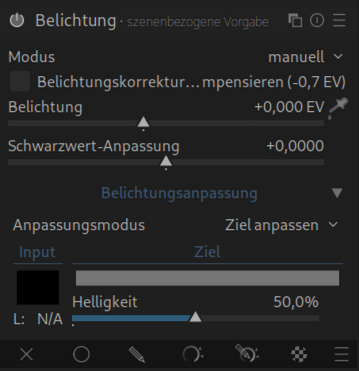
Adjust the global exposure for the midtones using the Exposure module.
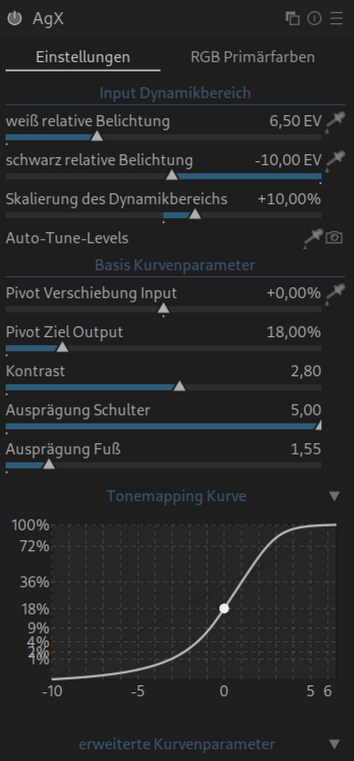
Alternatively, you can use contrast and toe / shoulder power to fill the entire output tonal range.
If Darktable is running in the scene-referred workflow, default values are applied. Otherwise, manually select the preset blender-like|base or smooth|base.
Primaries and Presets:
Initially rely on the carefully tuned primaries of the provided presets (except unmodified base primaries).
Advanced users can adjust the primaries to individual taste or specific lighting conditions (e.g., LED lights, stage lighting).
Fine-tuning exposure range and contrast:
- Use the
auto tune levels pickerto define the desired exposure range.
- Set the
pivotto the subject using the picker next topivot input shiftto maximize contrast around this area.
- Adjust the brightness of the pivot point using the
pivot target outputslider.
- Adjust the contrast with
contrast around the pivot.
If necessary, adjust toe and shoulder power to control contrast in the shadows or highlights respectively.
Creative Adjustments (“Look”):
Add “drama” by adjusting look | brightness.
Adjust the global saturation with look | saturation.
Adjust the colors with look | preserve hue.
Example:
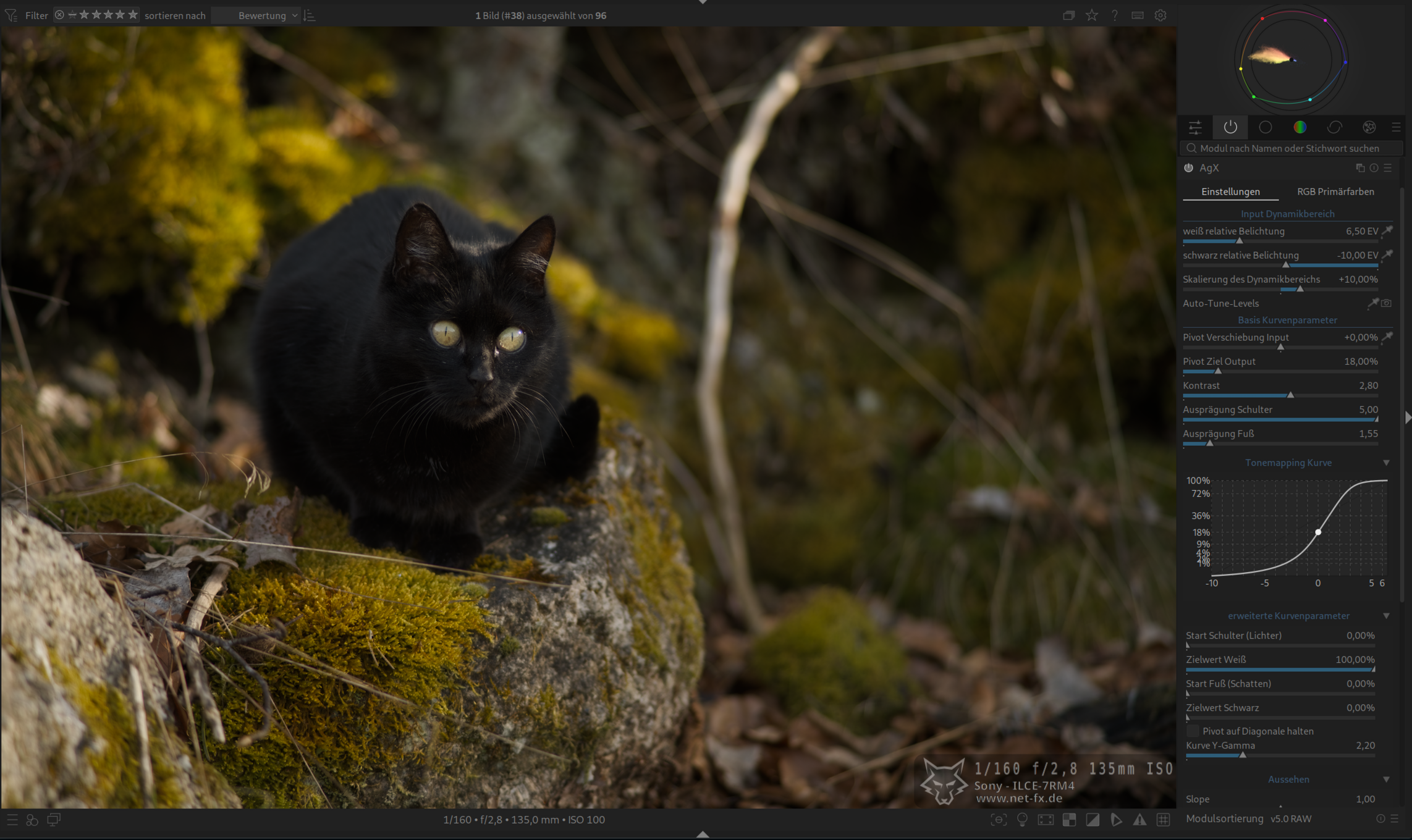
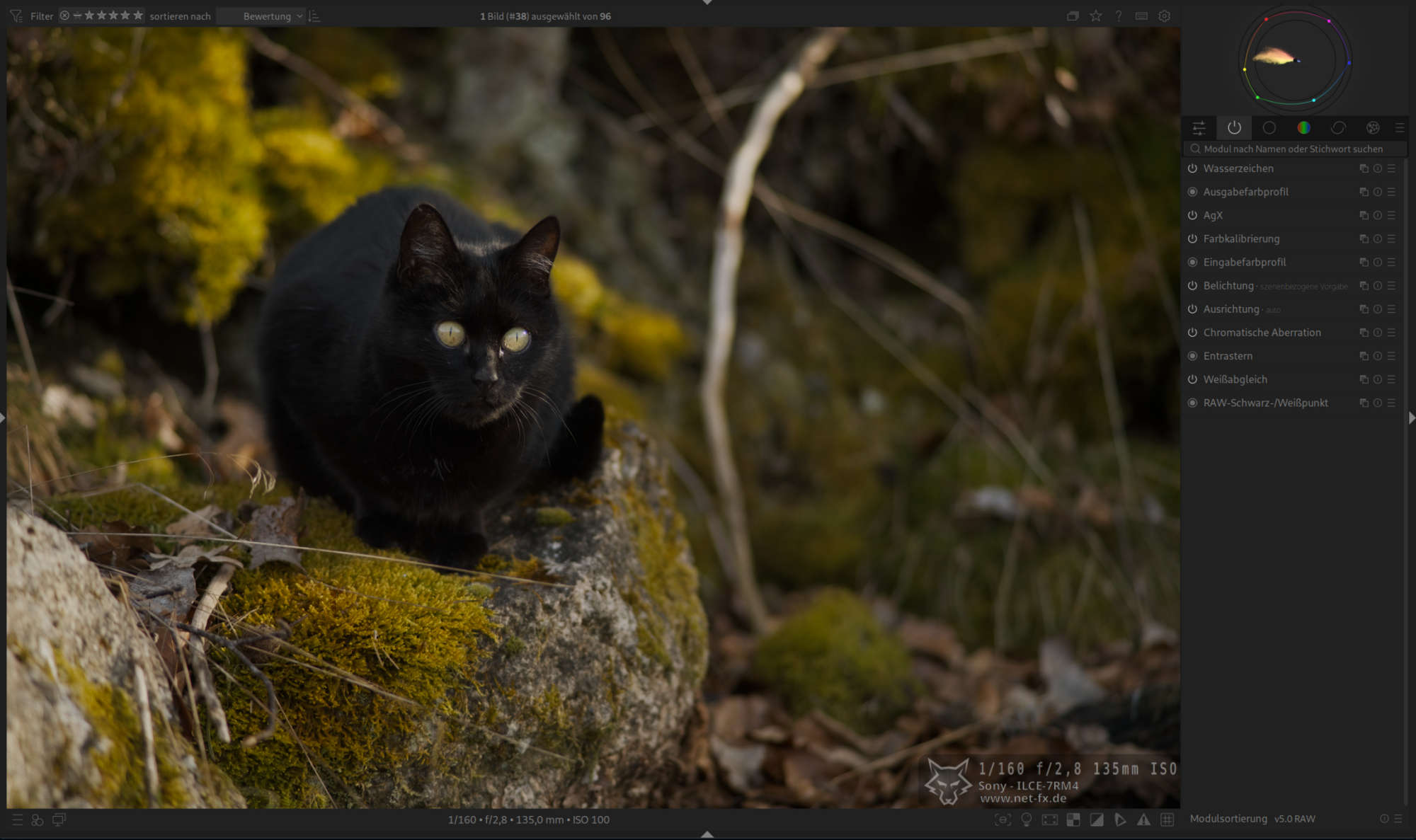
Setting the correct exposure (without active AgX).
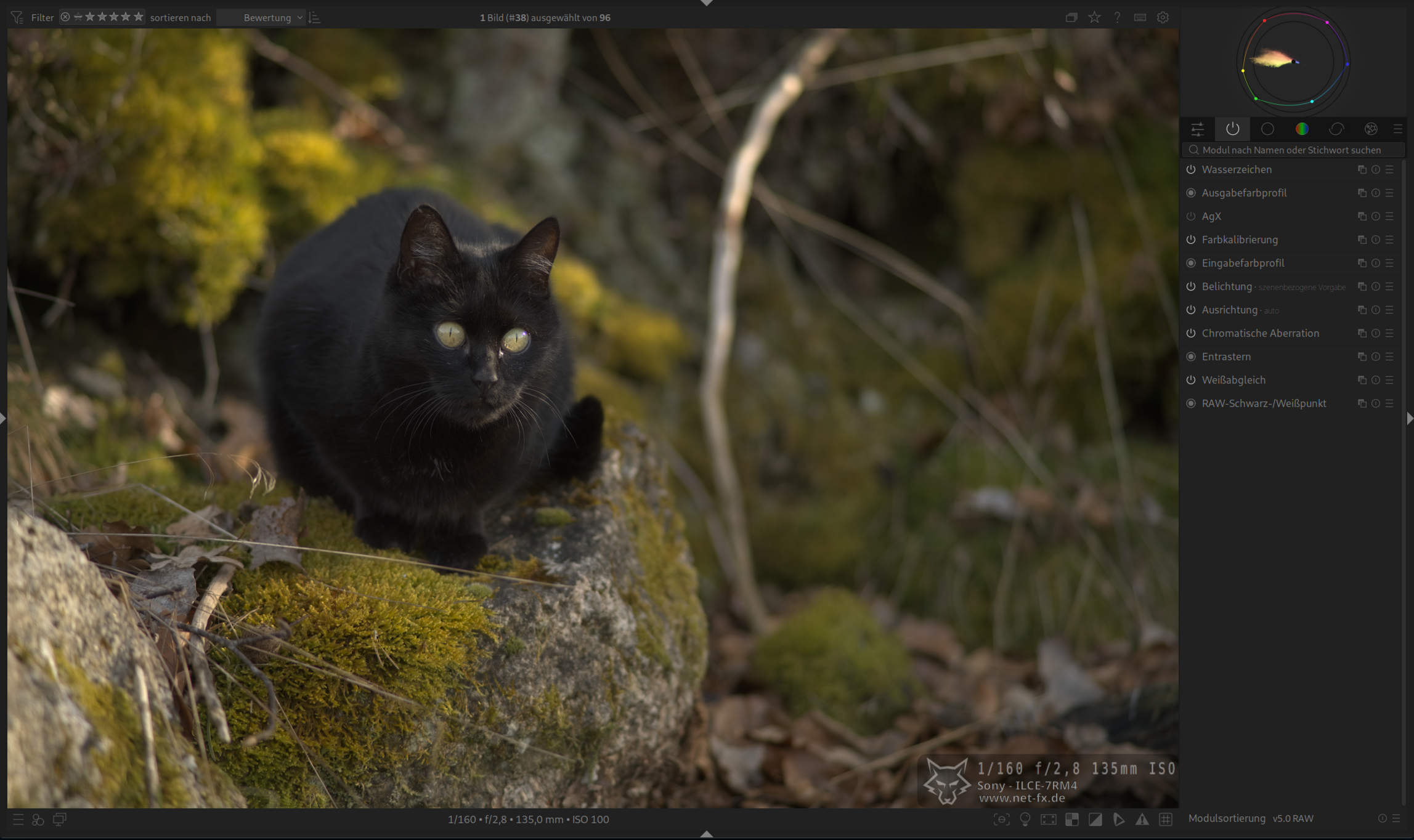
Activated AgX
Auto tune levels picker