
December 6, 2025
Your image, your signature.
What is it about?
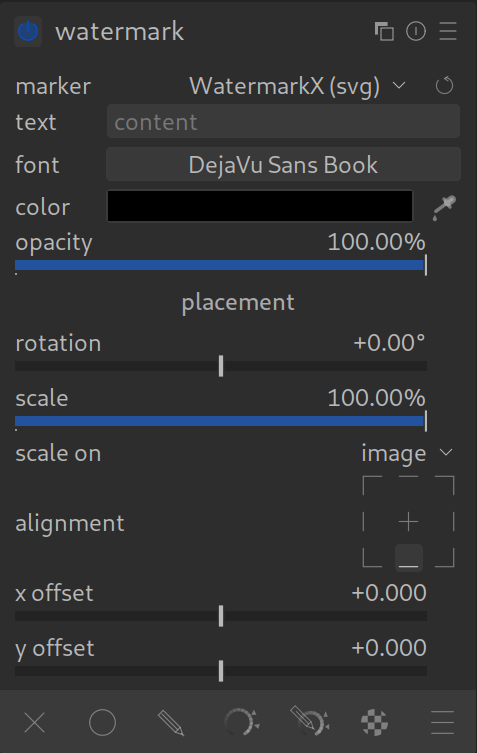
Whether you want to protect your images from theft or simply show your name as an artist: The Watermark module does this automatically for you. It overlays a graphic or text on your finished image.
The most important functions:
- Text: You can enter text directly in Darktable (e.g., “© Max Mustermann”).
- Image/Logo: You can add your own files. Save them under /darktable/watermarks/.
SVG files are best suited. - Positioning: You can determine exactly where the logo should sit and how large it is in relation to the image.
How to apply it:
- In the module under “Marker”, select whether you want to use text or a file.
- Load your logo or type in your name.
- Use the sliders for “Scale” and “Opacity” so that the watermark is visible but does not distract from the actual subject.
Pro Tip:
Create your own preset for your watermark and set it to be applied automatically upon export. This way you will never forget to sign your images again.